ESP32 Wi-Fi Keeps Dropping. Here's the Fix That Actually Works in Production.
The reconnect logic that works in your bedroom doesn't work in a hallway — and here's why
Your ESP32 project works perfectly at your desk, two metres from the router. You install it in the actual deployment location — a meter box, a utility room, an outdoor enclosure — and within 48 hours it's dropped the Wi-Fi connection and stopped responding. Power cycle brings it back. For a few hours.
This is one of the most common real-world deployment failures in DIY IoT work. It almost always comes down to the same three causes, and all of them are fixable in firmware.
Cause 1: No reconnect logic
The most common cause of 'dropped and never reconnected' is simply that the firmware doesn't try to reconnect. Arduino-style sketches often have Wi-Fi connection in setup() and never check connection status in loop().
The fix is explicit: check WiFi.status() regularly, and if it returns anything other than WL_CONNECTED, run the connection sequence again.
Basic version:
- In loop(), check WiFi.status() every 30 seconds.
- If not WL_CONNECTED, call WiFi.disconnect() first, then WiFi.begin().
- Wait up to 20 seconds for reconnection before giving up for this cycle.
- If still not connected after 3 attempts, restart the WiFi radio with WiFi.mode(WIFI_OFF) then WiFi.mode(WIFI_STA).
Cause 2: DHCP lease expiry
Most home routers assign IP addresses via DHCP with a lease time of 24 hours (some are set to 1 hour). When the lease expires, the router expects the device to re-request its IP. If your ESP32's TCP stack doesn't handle this correctly — and in some older ESP-IDF versions, it doesn't — the device keeps trying to use the expired IP and all network operations silently fail.
Fix 1 (easiest): assign your ESP32 a static IP via the router's DHCP reservation table. The device keeps its IP indefinitely and DHCP lease expiry is irrelevant.
Fix 2 (firmware): use WiFi.config() with a static IP in your sketch. Hardcodes the IP but eliminates DHCP entirely.
Cause 3: Weak signal causes partial disconnection
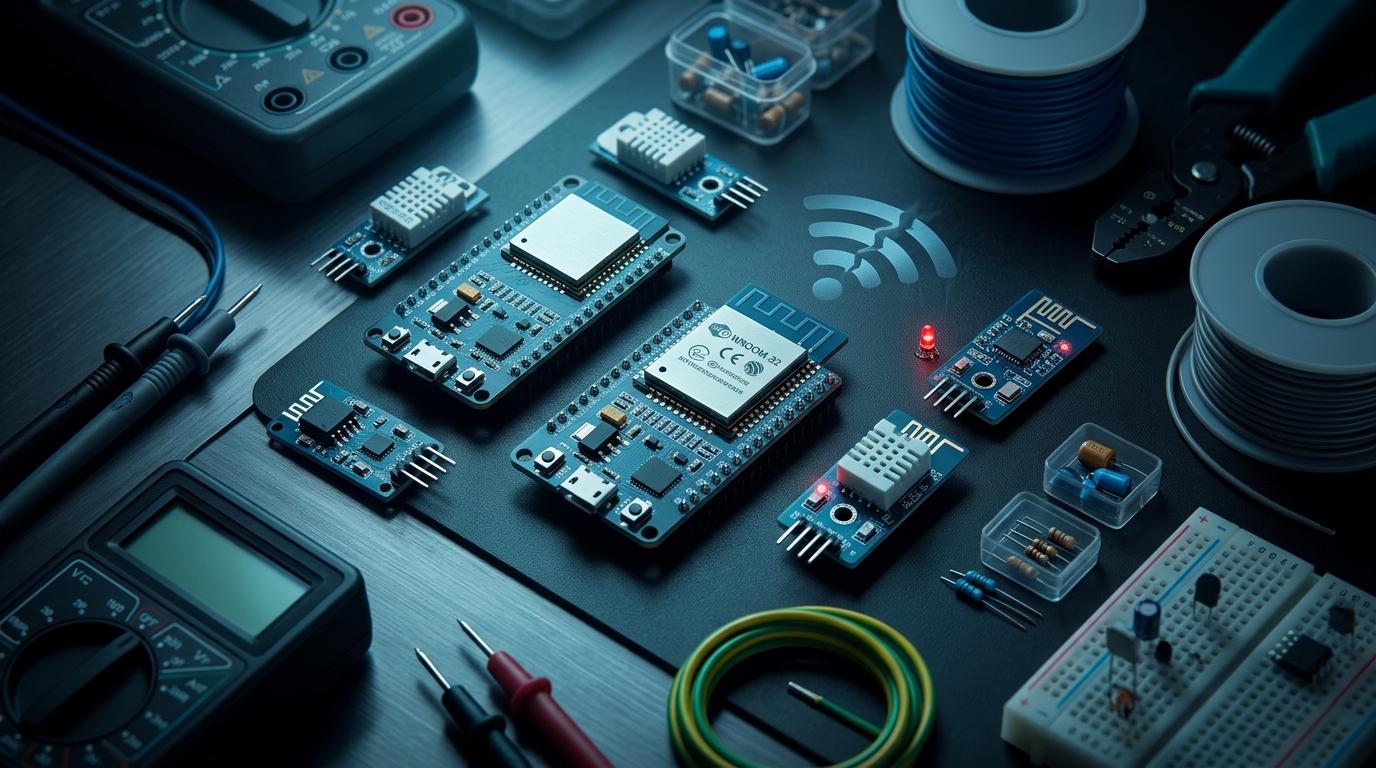
A -75dBm RSSI signal (which is barely adequate) tends to result in TCP connections that partially fail rather than cleanly fail. The device thinks it's connected (WiFi.status() returns WL_CONNECTED) but data isn't actually getting through. This is the most annoying failure mode because the reconnect logic doesn't trigger — the device thinks it's fine.
Detection: use a periodic ping or HTTP request to a known endpoint. If it fails, treat that as a connection failure and reconnect, even if WiFi.status() says connected.
"Status said WL_CONNECTED but no packets were getting through. Took me two weeks to figure out the signal was weak enough that the association stayed up but TCP was failing. Added a ping check and it's been solid for six months." — IoT developer, Bangalore
The watchdog pattern
For production deployments that can't have someone power-cycling them, use two layers of recovery:
- Software watchdog: if no successful network operation in 10 minutes, restart the WiFi radio.
- Hardware watchdog: ESP32 has a built-in watchdog timer. If loop() stops executing (hangs), it triggers a full restart. Enable with esp_task_wdt_init() and esp_task_wdt_add().
- Time-based restart: for less critical deployments, a daily deep sleep and wake cycle at 3 AM often clears accumulated state issues without affecting perceived uptime.
Power supply matters more than you think
A significant fraction of Wi-Fi drop issues that appear to be firmware problems are actually power problems. The ESP32's Wi-Fi transmitter draws up to 350mA in bursts. A USB cable with significant resistance, or a phone charger that can't sustain current, causes the supply voltage to dip during transmit, which causes the radio to malfunction or the chip to reset.
Quick test: put a 100µF capacitor directly across the 3.3V and GND pins on the ESP32 dev board. If the Wi-Fi stability improves, your power supply was the problem.
Components for robust IoT deployments
Browse ESP32 modules, power regulators, and antenna options on RoboDIB. Compare specs before you commit to a design.
More from the blog
RoboDIB
Solve these problems yourself
AI inventory, component map, 3D printing, and circuit design tools — all built for India's maker community.