Building My Electronics Inventory From Scratch — What I Wish Someone Had Told Me
Starting from zero components or from a pile of unlabeled parts — the approach is different, and most guides get it wrong.
Two types of people need electronics inventory help: beginners who want to build good habits from day one, and experienced makers who have collected so many parts over so many years that the pile has become genuinely unmanageable. I've talked to both, and the advice is different.
If You're Starting Out
The temptation when you're new is to buy component kits — a 'starter kit' with 600 pieces for ₹800. Don't do this yet. You end up with 20 pieces each of components you don't understand and will never use in the next year. The ones you actually need run out fast.
Start project-first. Pick one build. Buy exactly what you need for it, plus maybe 10% extra for mistakes. Log everything you buy from day one — even if it's just a text file. That discipline is worth more than the fanciest inventory system.
- Start with project-specific buying, not bulk kits
- Log every purchase the day you receive it
- Store by component type in labeled bags or trays — not by project
- Don't buy duplicates 'just in case' — buy one, track it, buy more when needed
If You Have the Accumulated Chaos
You have drawers that haven't been properly organized since 2022. You have components you can't identify without a magnifying glass. You have bags labeled 'misc' that weigh 200 grams each. I've been there.
The standard advice is 'sort everything first, then enter it.' This doesn't work. Sorting is the boring part. You'll lose motivation halfway through and the whole thing stalls.
Catalog as you use, not all at once. Every time you pick up a component, log it. You'll have your most-used parts cataloged within a month.
The AI Approach to Chaotic Inventory
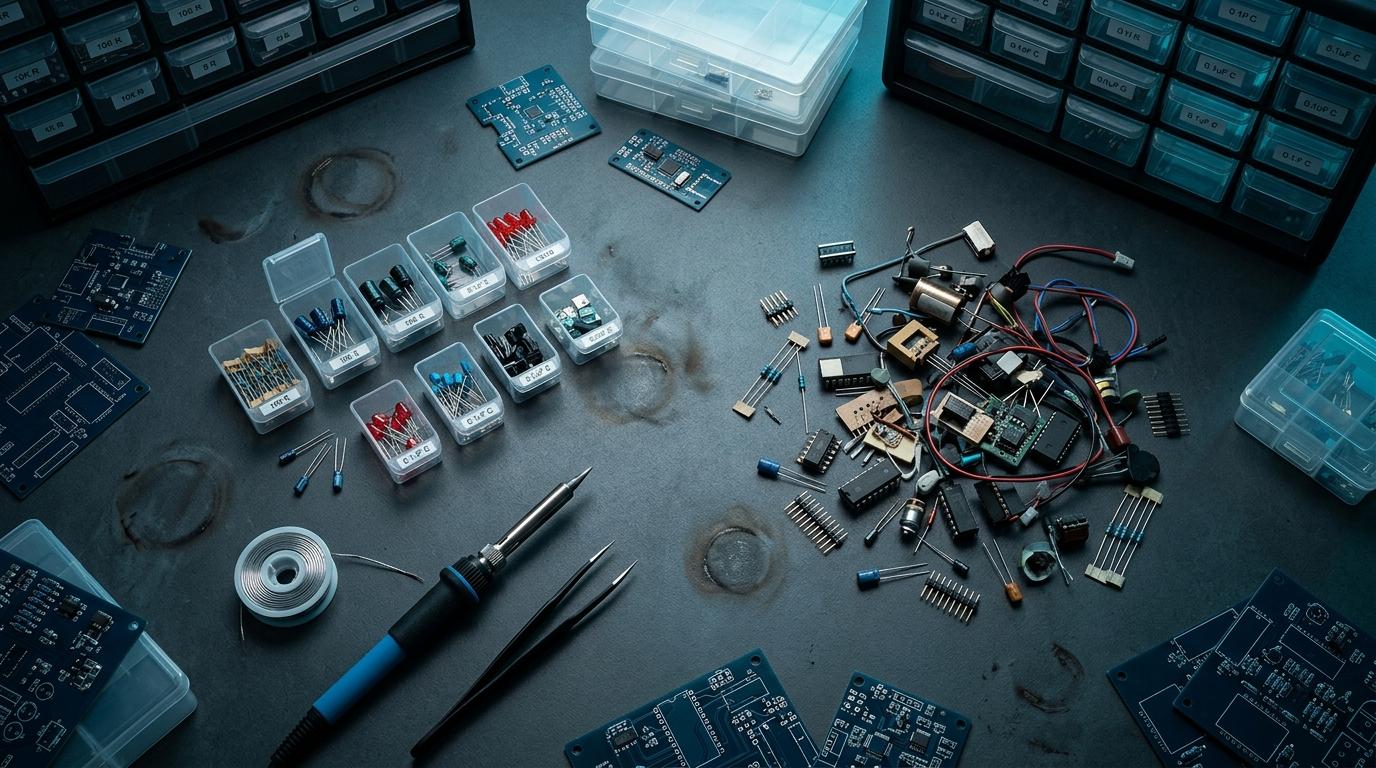
When I finally decided to get serious about my inventory, I used RoboDIB's AI parsing to shortcut the data entry problem. Instead of carefully measuring and cataloging each part, I described my trays in natural language and let the AI structure it.
'A small tray of mixed through-hole resistors, mostly 1/4 watt, looks like 100-200 pieces of various values, a few in labeled strips' — the system turned that into a structured entry I could refine later. It got me to 80% accuracy in a fraction of the time.
Collections Are Underrated
The feature that changed how I work most is collections — grouping components by project or purpose instead of having everything in one flat list. I have a 'robot arm build' collection, a 'general stock' collection, and a 'to identify' collection for the mystery parts I'll deal with later.
That last collection is key. Having a formal place to put things you don't know yet lets you keep moving without blocking on identification. You revisit it when you have time, not when you're in the middle of a deadline build.
Catalog your components the smart way
Use natural language to describe your parts — the AI handles the structure. Start with what you have, however chaotic.
More from the blog
RoboDIB
Solve these problems yourself
AI inventory, component map, 3D printing, and circuit design tools — all built for India's maker community.