Getting Something 3D Printed for the First Time in Bangalore — What I Didn't Know
The first order is always the hardest. After that, it's straightforward.
I knew 3D printing existed. I knew people used it to make brackets and enclosures and prototypes. I had genuinely no idea how to go from 'I need a specific shape' to 'I have the physical object.' This is embarrassing to admit as someone who builds electronics projects regularly, but there's a whole design-to-print workflow that nobody explains.
What You Actually Need to Provide
Most 3D printing services need an STL file — a standard file format that describes the 3D geometry of your part. If you have a CAD model in Fusion 360, SolidWorks, Tinkercad, or similar, you export it as STL and that's what you submit.
If you don't have a CAD file — if you have a sketch on paper or a photo of something similar to what you want — that's a design problem, not a printing problem. You (or someone) needs to create the 3D model first.
- Tinkercad: free, browser-based, good for simple geometric shapes
- Fusion 360: free for hobbyists, much more powerful, steeper learning curve
- FreeCAD: fully open-source, decent for mechanical parts
- Onshape: browser-based, good for parametric design
- If you can't model it yourself, describe it in detail and ask the printing service
Material Matters More Than You Think
The default answer is PLA — cheap, easy to print, good for prototypes. But PLA has real limitations for functional parts: it softens at around 60°C, which means it can warp in direct sunlight or enclosed spaces in an Indian summer. For anything that needs to survive heat or handle real mechanical stress, PETG is a better choice.
ABS is stronger and more heat-resistant but warps badly on consumer printers. ASA is similar to ABS with better UV resistance — good for outdoor parts. TPU is flexible — rubber-like parts, vibration dampeners, phone cases.
PLA is for prototypes. PETG is for functional parts. Know the difference before you order.
What My First Part Actually Cost
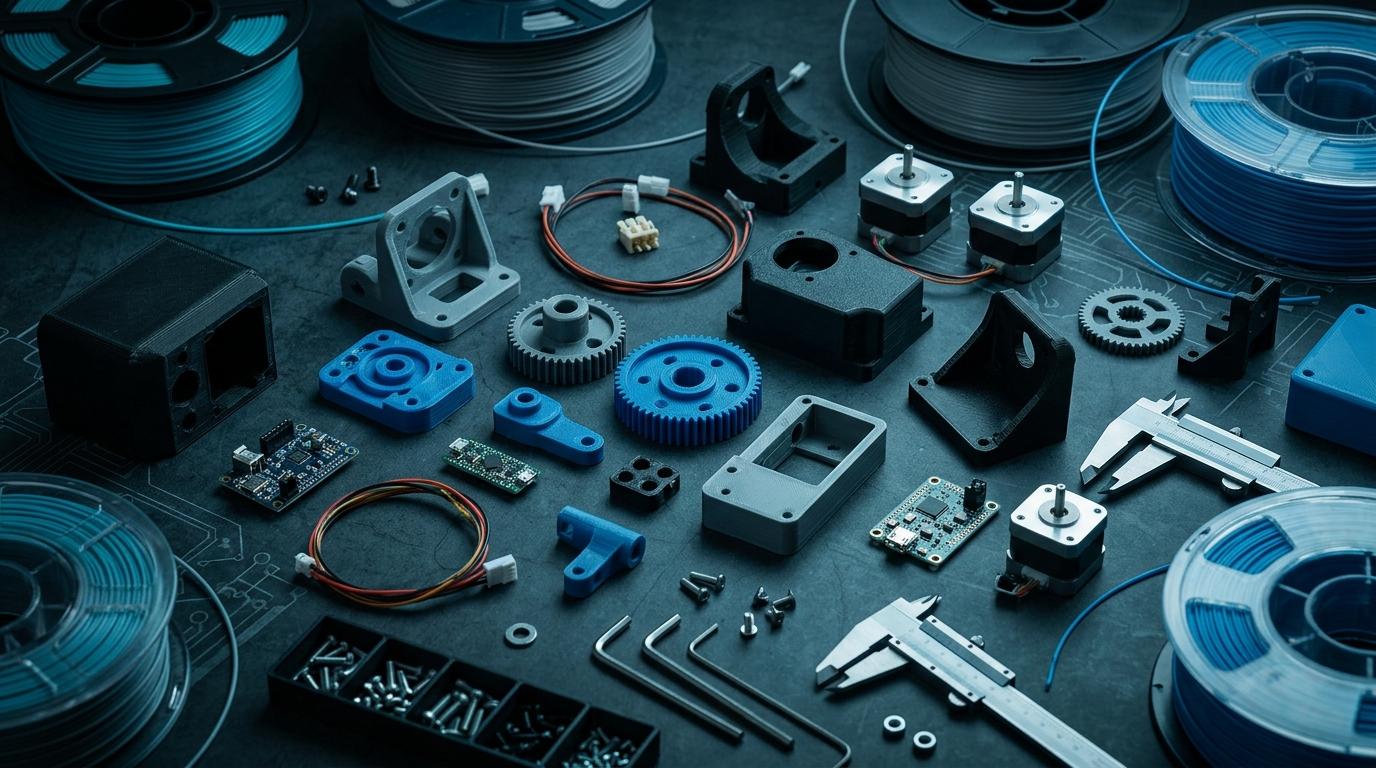
I needed a mounting bracket to attach a Raspberry Pi Zero to a specific wall profile. Roughly 80mm × 40mm × 15mm, printed in PLA. From a service in Bangalore, it came to ₹120 including printing and a small design fee because I sent them a rough sketch instead of an STL. Took about 36 hours from order to pickup.
That's dramatically cheaper than anything I could have machined or fabricated. The material cost is almost nothing — you're paying mostly for the machine time and labor.
Common First-Timer Mistakes
Ordering too thin. Parts under 1.5mm wall thickness are fragile and may not print reliably. Ordering with too-tight tolerances on fit. 3D printed parts have variance — for press-fit or snap-fit connections, add 0.2–0.4mm of tolerance. Choosing the wrong orientation — the print orientation affects layer lines, which affect strength direction.
Print your first part in Bangalore
Upload your STL or describe what you need. Fast turnaround, multiple materials, competitive pricing.
More from the blog
RoboDIB
Solve these problems yourself
AI inventory, component map, 3D printing, and circuit design tools — all built for India's maker community.