Your First Print Failed. Here's What Actually Went Wrong.
The four most common first-print failures and how to read them
You uploaded the STL, confirmed the order, came back to find your part warped off the bed, or covered in strings, or with a layer shift halfway up, or just a pile of plastic spaghetti. Before you reorder, it's worth understanding what actually happened — because most failures have readable causes, and knowing them means you can fix the file or the expectations before the next attempt.
This is aimed at people who are ordering prints rather than running the printer themselves. You can't fix the machine, but you can absolutely fix the file.
Failure 1: Warping (corners lifted off the bed)
Warping happens when the bottom layers cool and contract before the upper layers, pulling the part off the build surface. The corners lift first, which is why most warping presents as a banana-shaped bottom.
File-side causes you can fix: extremely large flat base with no chamfer, thin walls on a wide part, material selection (ABS warps far more than PLA, which is why most print services default to PLA for anything with a large footprint).
If you have a large flat enclosure base that's warping, the practical fix is to split it — print the base as a separate piece that's shallower, rather than one tall piece with a massive footprint. You can also add a brim in your slicer settings, which gives the first layer more surface area to grip.
Failure 2: Stringing (plastic hairs between features)
Strings are the thin plastic filaments you see stretching between separate features — across a gap between two towers, between mounting holes, across the interior of a cavity. They come from the nozzle leaking material as it travels across open space.
You can't directly fix this as an ordering customer — it's a retraction and temperature setting on the printer side. But if your design has lots of isolated features with gaps between them, it's worth knowing that the print will likely have strings that need to be cleaned up. Most can be removed with a quick pass of a heat gun or just pulled off by hand.
Failure 3: Layer shift (print looks like it slipped sideways midway up)
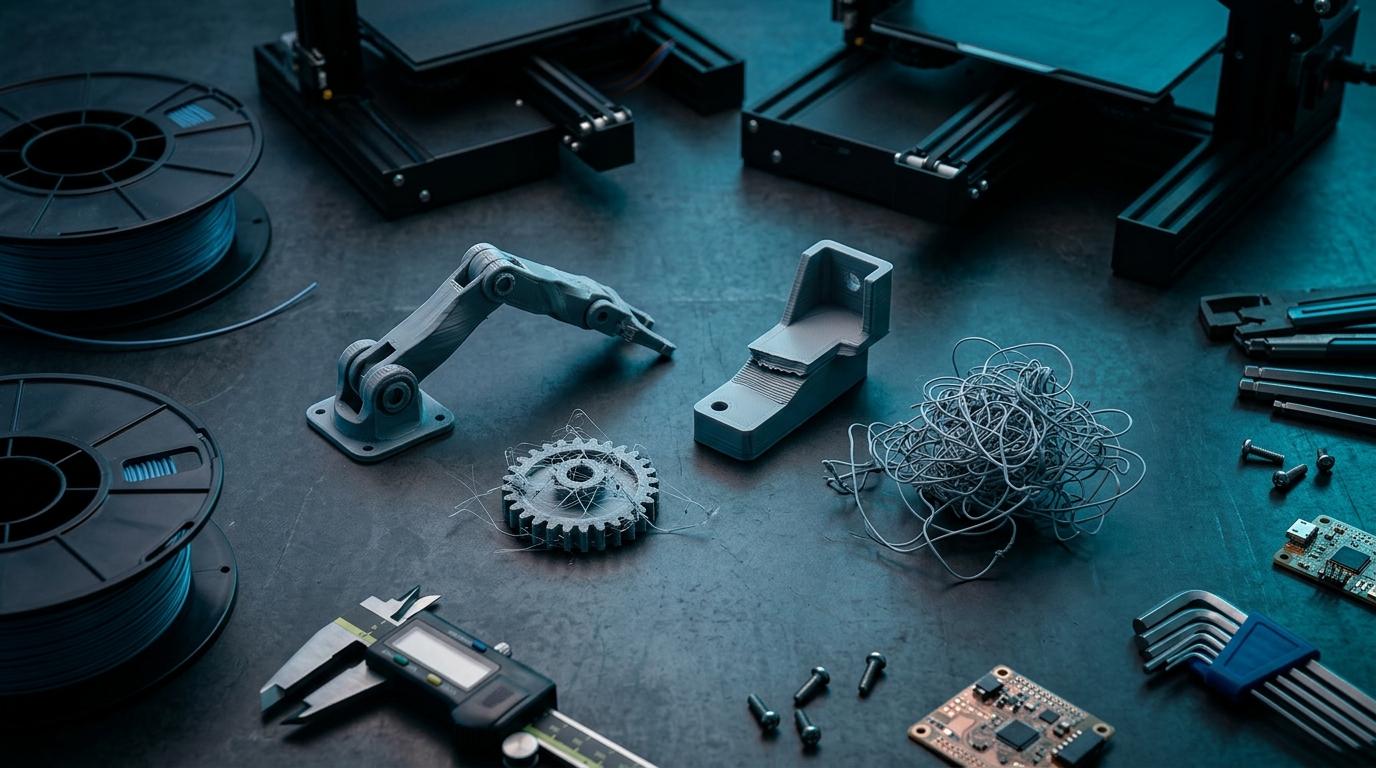
A layer shift looks like someone bumped the print partway through — the upper half of the part is offset from the lower half by a few millimetres. This is almost always a mechanical issue on the printer: belt tension, stepper skip, or a collision between the nozzle and a warped edge.
One file-side cause worth knowing: very tall, narrow parts with a small footprint are inherently unstable and can get knocked by the nozzle during a rapid travel move. If you have a tall thin feature (anything with a height-to-base ratio above about 4:1), it's worth widening the base or adding support material.
Failure 4: Spaghetti (complete print collapse)
Spaghetti is what happens when the print detaches from the bed early and the printer keeps printing into the air. You end up with a plastic bird's nest. It usually happens in the first few layers and is almost entirely a bed adhesion issue — nothing you can fix in the file.
Exception: if your STL has geometry starting very close to zero Z height with very little contact area (like a part that stands on thin legs), it's more likely to detach. A flat raft — which a good print service will add automatically — helps significantly.
- Warping: fix with chamfered base, split parts, or brim.
- Stringing: clean up by hand; unavoidable with highly separated features.
- Layer shift: widen tall narrow features; reduce height-to-base ratio.
- Spaghetti: add raft; check that base contact area is adequate.
Same-day printing with file review included
RoboDIB's Bangalore print service checks your file before printing. Obvious issues get flagged. PLA, PLA+, matte finishes — ready same day for most parts.
What to tell the print service when something goes wrong
The most useful thing you can do when a print fails is describe the failure specifically. 'It warped' is useful. 'The bottom-right corner lifted about 3mm during the first layer' is more useful. 'Spaghetti pile, looks like it detached early' is the right level of specificity.
Most print services will reprint a failed job at reduced or no cost if the failure is machine-side rather than file-side. The way to get that conversation going in the right direction is to describe the failure in terms that help identify the cause.
More from the blog
RoboDIB
Solve these problems yourself
AI inventory, component map, 3D printing, and circuit design tools — all built for India's maker community.