Debugging Electronics Projects Like a Detective — A Framework That Actually Works
Random probing is not debugging. Here's a systematic approach that finds the problem every time.
The first thing most beginners do when a circuit doesn't work is swap components. Randomly. Replace the transistor, maybe it was bad. Replace the capacitor. Try a different board. This is not debugging. This is expensive guessing.
Real debugging is hypothesis-driven. You make a prediction, you test the prediction, you either confirm or eliminate the possibility. After a few eliminations, you've narrowed the problem to a specific location and cause.
Step 1: Define 'Not Working' Precisely
Before you touch a probe, be specific about the failure. 'It doesn't work' is not a failure mode — it's a statement that the output doesn't match your expectation. What exactly happens? What exactly should happen? Where in the circuit is the divergence?
Common failure modes that look the same but have different causes: no power at all (power supply or wiring), power present but no function (logic issue or sensor failure), intermittent function (loose connection, noise, timing), wrong output (misconfiguration, wrong component value).
Step 2: Power First, Always
The most common cause of a circuit that 'doesn't work' is a power problem. Before checking anything else, verify that the correct voltage is present at the power pins of every chip.
This sounds obvious. It isn't obvious when your VCC line measures 5V at the regulator output but 2.3V at the chip — because a ground connection is missing and you're measuring through a load path instead of a direct path. Always check: supply voltage at the chip, ground continuity, and current draw.
If the power isn't right, nothing else matters. Check power first. Always. Even if you're sure it's fine.
Step 3: Signal Tracing
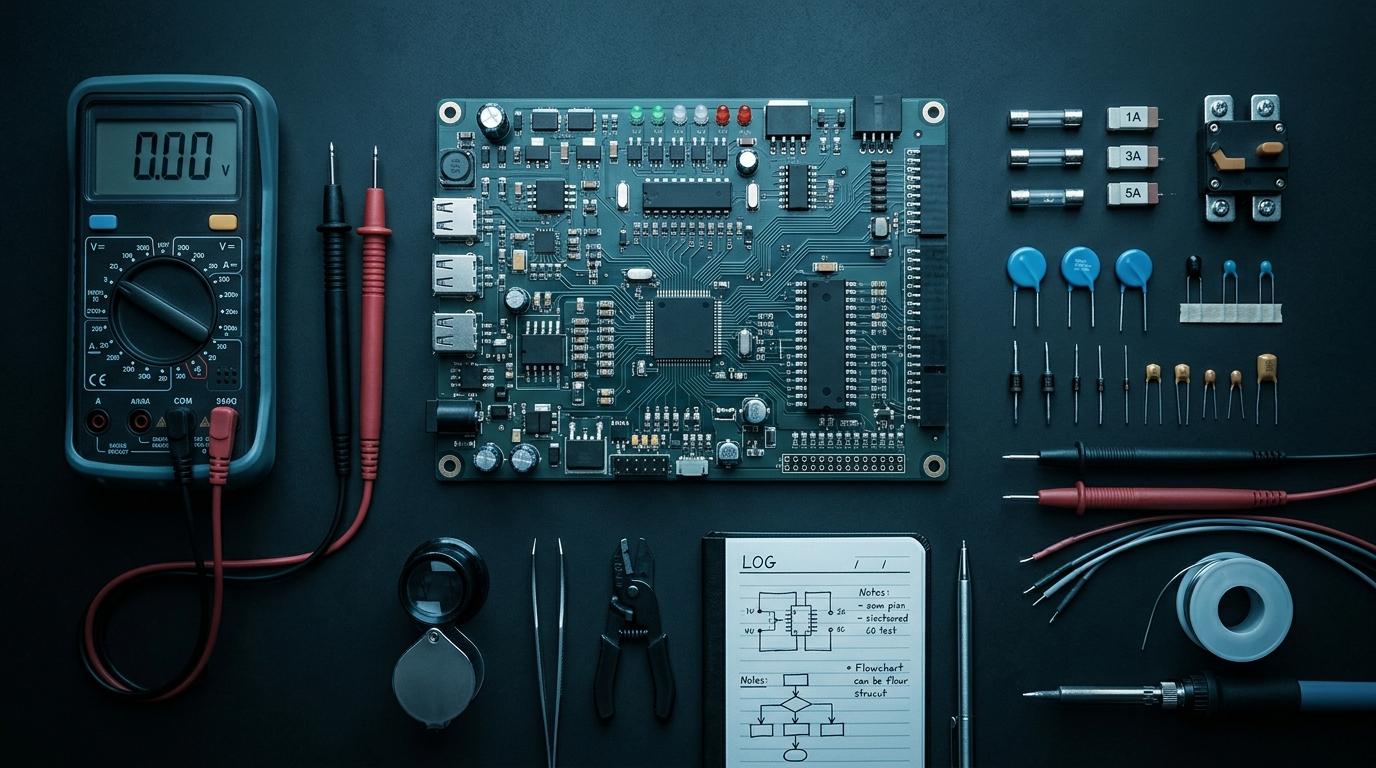
Once power is confirmed, trace signals from input to output. For a microcontroller circuit, this means verifying that sensor outputs look right at the sensor pin, look right at the microcontroller input, are being read correctly in firmware, and produce the expected output.
The probe goes at each stage. You're finding where the signal stops being what it should be. The problem lives at the boundary between the last good point and the first bad point.
- Check supply voltage at the chip, not just at the source
- Verify ground connections (missing ground is surprisingly common)
- Use an oscilloscope or logic analyzer for digital signals, not just a multimeter
- Check signal levels against datasheet specifications, not just 'does something happen'
- Isolate subsystems — if you can disconnect part of the circuit and it starts working, the problem is in what you disconnected
Step 4: The Minimum Viable Circuit
When signal tracing isn't finding the problem, simplify. Strip the circuit down to the absolute minimum needed for one function. If that minimum works, add complexity back one piece at a time until it breaks again. The last thing you added is the problem.
This approach feels slow. It's actually faster than random component swapping, because it terminates. Random swapping can theoretically go on forever.
The Datasheet Is Your Bible
Most circuit failures, once found, are violations of datasheet specs that were never read. Input voltage range. Logic level thresholds. Timing requirements. Decoupling capacitor placement. These aren't suggestions — they're the conditions under which the component is guaranteed to behave as specified. Violate them and you get undefined behavior, which often looks like random failures.
Design circuits the right way
Use the RoboDIB Circuit Breaker tool to design, simulate, and validate your circuit before you build it.
More from the blog
RoboDIB
Solve these problems yourself
AI inventory, component map, 3D printing, and circuit design tools — all built for India's maker community.