Five Power Supply Mistakes I See in Almost Every Beginner Circuit
Power problems are responsible for more mysterious failures than any other category.
I run electronics workshops at a maker community in Bangalore, and power supply design is the single area where I see the most problems — and where those problems cause the most mysterious, hard-to-diagnose failures. The symptoms masquerade as software bugs, bad components, or RF interference. The actual cause is poor power design.
Mistake 1: No Decoupling Capacitors
Every IC datasheet specifies decoupling capacitors — typically 100nF ceramic close to the power pin. These aren't optional. They filter the high-frequency switching noise that digital circuits generate, preventing that noise from coupling back into the supply and causing resets, glitches, or data corruption.
The most common manifestation: an ESP32 or Arduino that resets randomly, especially when a motor or relay activates. The motor's switching noise couples onto the power rail. Without decoupling, the microcontroller sees this as a power supply glitch and resets.
Mistake 2: Sharing Power Rails for Logic and Motors
Motor drivers draw large, spiky currents when motors start and stop. If your microcontroller shares the same power rail as your motor driver, those current spikes create voltage dips that can reset the microcontroller or corrupt I2C/SPI communications.
The fix is power rail separation: separate supply, or at minimum a large bulk capacitor (470µF–1000µF) on the logic supply to absorb the spikes. Separate ground returns are even better for noisy loads.
The motor doesn't care about power supply noise. The microcontroller cares about nothing else.
Mistake 3: Voltage Regulator Without Adequate Output Capacitor
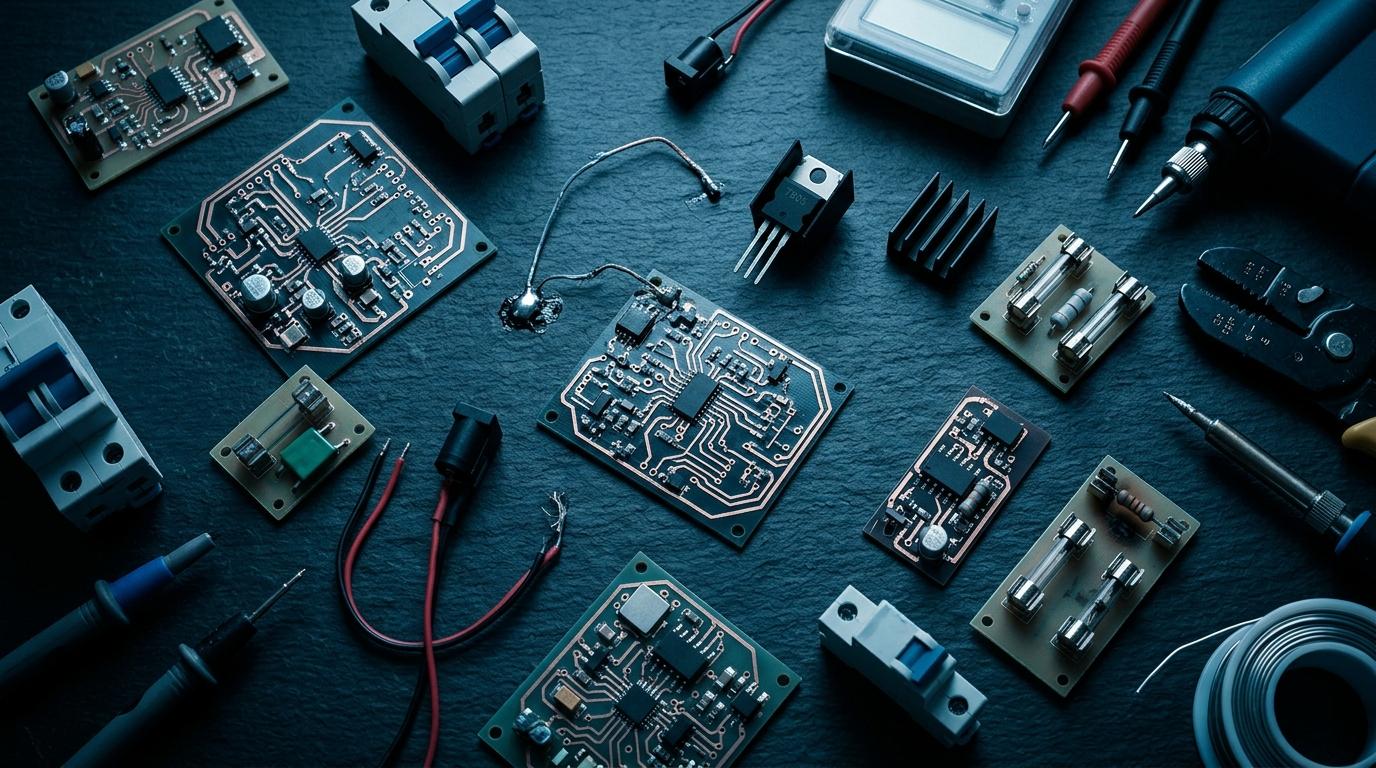
Linear regulators (LM7805, AMS1117, etc.) need an output capacitor to remain stable. The datasheet specifies the value — typically 10µF. Without it, the regulator can oscillate, producing an unstable output voltage that looks fine on a DMM (which averages) but is actually a sawtooth wave at MHz frequencies.
- Always place the specified input and output capacitors close to regulator pins
- Use the capacitor values from the datasheet, not 'whatever is nearby'
- For switching regulators, layout is critical — high-current loops must be minimized
Mistake 4: Undersized Power Supply
A USB power bank that supplies 1A is fine for a microcontroller alone. Add four servo motors and a camera module and you need 2–3A. Exceed the supply capacity and you get brownouts that reset the microcontroller — which looks exactly like a software bug.
Calculate worst-case current consumption before selecting a power supply. Add all load currents plus 25% headroom. Use a bench power supply with current limiting during development so you can see actual current draw.
Mistake 5: Long Ground Return Paths
Ground wires have impedance. Long, thin ground paths between a motor driver and microcontroller create a ground offset when high current flows — the two grounds aren't at the same potential. Use a star ground topology for mixed-signal and power circuits: all returns meet at a single point near the power source.
Design your power supply right
Use Circuit Breaker to plan your power architecture, check component ratings, and catch power design mistakes before you build.
More from the blog
RoboDIB
Solve these problems yourself
AI inventory, component map, 3D printing, and circuit design tools — all built for India's maker community.